Mac
Download .dmg- Open the disk image and drag Cleanerio to Applications.
- In System Settings › Privacy & Security, give Cleanerio Full Disk Access so every folder can be scanned.
Apple Silicon Mac, macOS 11 or later. Signed with a Developer ID.
Cleanerio finds junk, large files, duplicates and unused apps, and shows what fills your disk. It is free, the code is open, and nothing you scan ever leaves your computer.
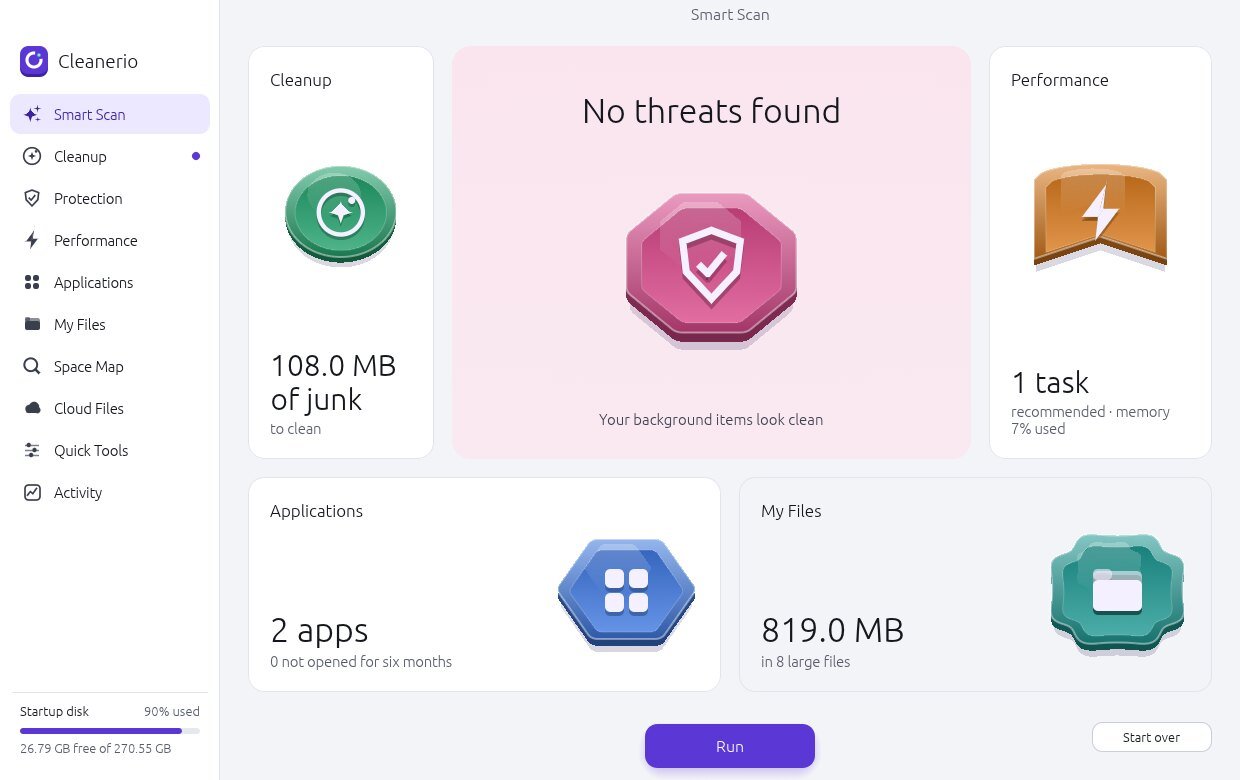
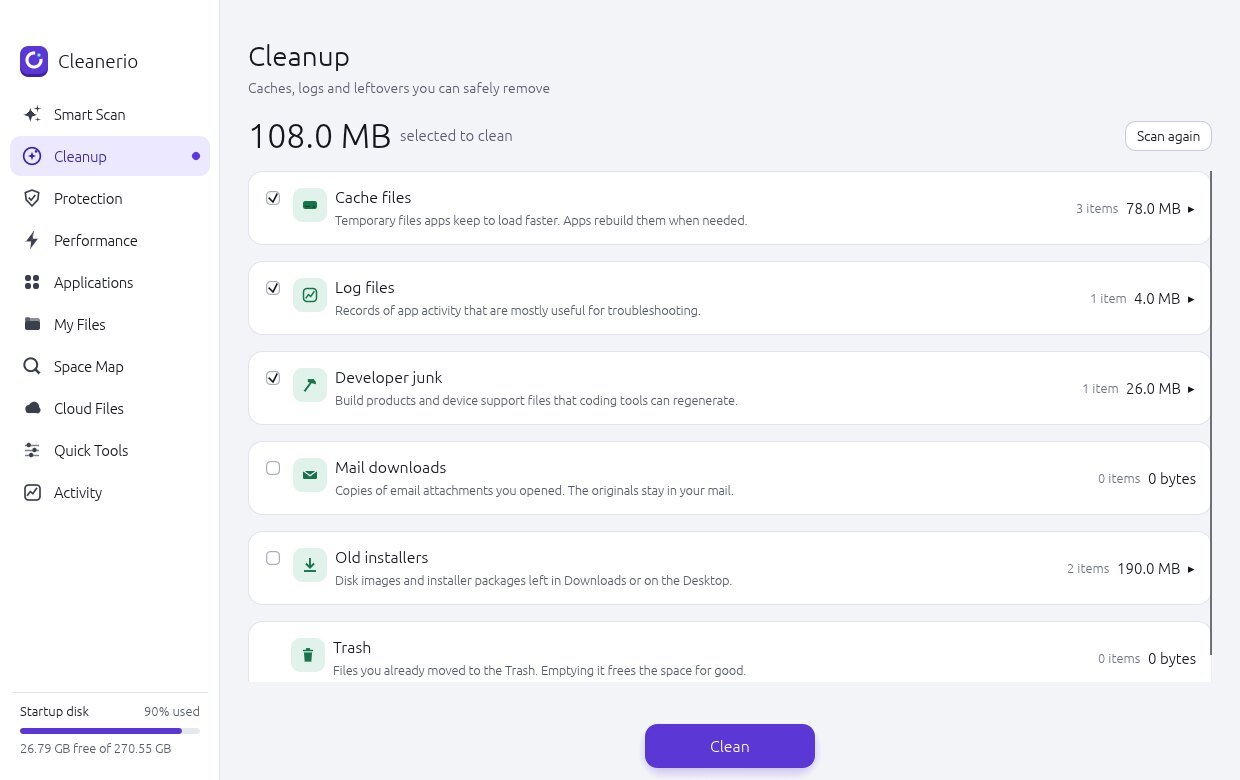
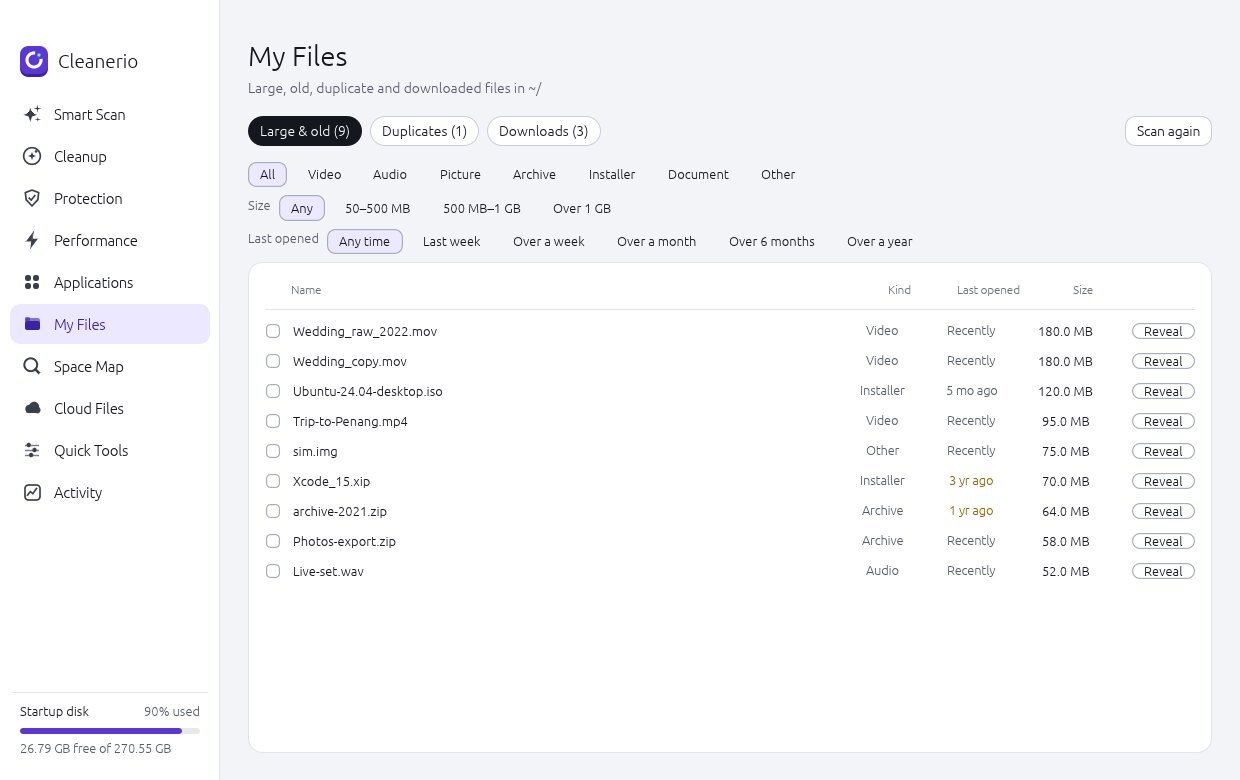

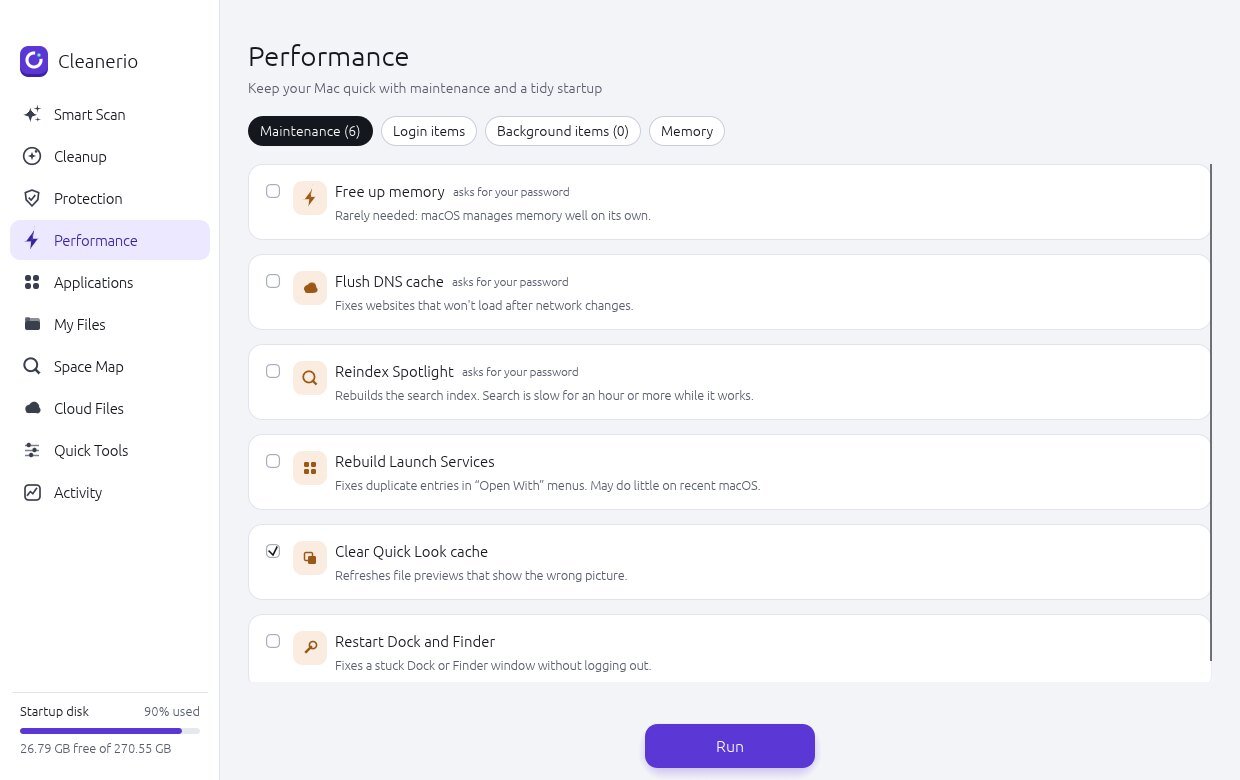

Run Smart Scan for a single pass, or open any section on its own.
The latest release is on GitHub. Every file is built from the public source.
Apple Silicon Mac, macOS 11 or later. Signed with a Developer ID.
sudo apt install ./cleanerio_<version>_amd64.deb./install.sh. It installs for your account only and needs no password. ./install.sh remove undoes it.64-bit Intel or AMD, glibc 2.31 or later (Ubuntu 20.04, Debian 11, Fedora 32 and newer), X11 or Wayland.
64-bit Windows 10 or 11.
Older versions and release notes are on the releases page.
You can read every line Cleanerio runs. Use it, change it and share it, including commercially, as long as the copyright and license notice stay with it.
Contributions are welcome. The contributing guide lists the safety rules every change must keep.
$ git clone https://github.com/TaoMonLae/cleanerio
$ cd cleanerio
$ cargo test
$ cargo run
Needs Rust. Packaging scripts for each system are in the repository.

Cleanerio is made by Min Htet Min Aung, known on GitHub as TaoMonLae, in Kuala Lumpur. It started as a Mac app and now also runs on Linux and Windows. It is written in Rust and drawn with egui, so the same app runs natively on all three.
There is no account, no subscription and no tracking. If it saves you some space, the best thanks is a bug report or a star on GitHub.